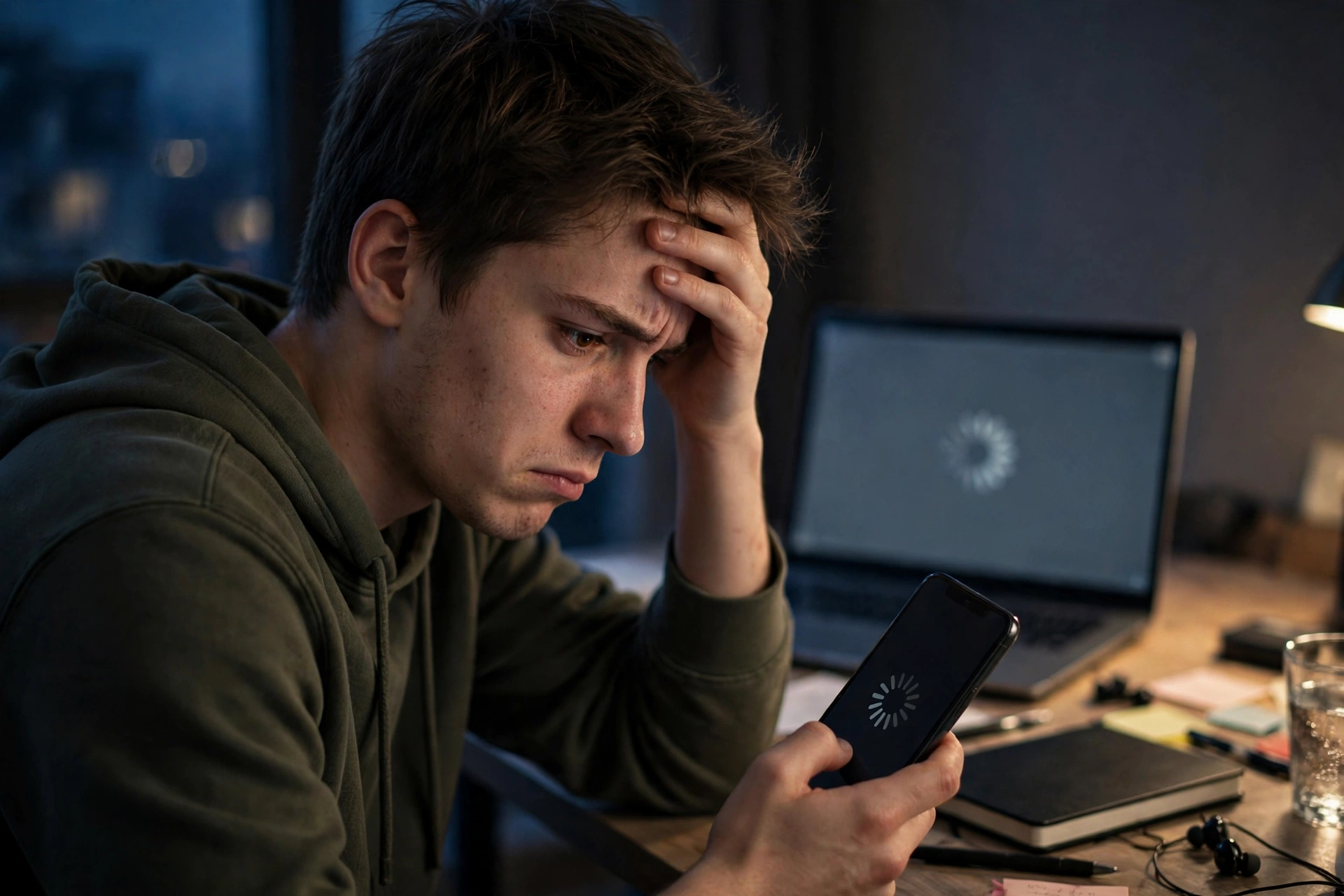
Sometimes a profile does not load on the first try. That moment is frustrating, especially when you only wanted a quick look at a public page. But a failed load does not always mean the viewer is broken, and it does not always mean the username is wrong. The message on screen usually tells you which problem it is, and each problem has a different fix.
This guide explains each message in plain words, what causes it, what to do, and what not to do. By the end, you will be able to tell in seconds whether to wait, to fix a spelling mistake, or to accept that an account simply cannot be viewed.
"Rate Limit Reached": the most common reason
This message means Instagram has temporarily limited requests from the viewer after too many searches in a short time. It is not a problem with the username you typed, and it is not a problem with your device or your internet connection.
Think of it like a busy counter that can only serve a certain number of people at a time. When that number is reached, new requests have to wait, even if each individual request is perfectly normal. A popular viewer can hit that limit even when you personally have only searched once, because many other people are using the same service at the same time.
What to do:
- Wait 15 to 30 minutes
- Then try only once
- If the same message appears again, wait longer instead of trying every few minutes
What not to do:
- Do not keep pressing Try Again. Every extra try counts as another request and makes the limit last longer.
- Do not switch to ten different usernames in a row hoping one will slip through. During a rate limit, the limit applies to the service, not to one username.
- Do not enter your Instagram password on another site that promises to bypass the limit. A rate limit is not a lock that a password can open. It is a temporary pause, and the only honest fix is time.
Rate limits are annoying precisely because they feel personal. You did nothing wrong, yet you are the one waiting. Remembering that the limit is temporary, and that waiting is the actual fix, saves a lot of wasted effort.
"Temporarily Unavailable": a site-side problem
This message usually means the viewer's Instagram session needs to be refreshed by the site owner. In plain words, the viewer uses a session to ask Instagram for public data, and that session sometimes expires or needs renewal. Until the owner refreshes it, the viewer cannot fetch new profiles, no matter how correct your username is.
What to do:
- Try again later, after some time has passed
- Check a well-known public profile once, later, to see whether the service is back
What not to do:
- Do not change your username spelling ten times hoping for a different result. If the message says the service is temporarily unavailable, the username is not the cause.
- Do not assume your account or device is blocked. A session issue sits on the viewer side, not on your phone or computer.
This message is different from a rate limit, even though both ask you to wait. A rate limit is Instagram pausing requests from the viewer. A temporarily unavailable message is more often the viewer itself needing maintenance. Either way, the user-side response is similar: wait, and try once later, rather than forcing repeated attempts.
Private accounts: not an error, a setting
If an account is private, changed its username, or does not exist any more, no viewer can show it. That is not an error in the viewer. It is Instagram working as it should.
A private account shares its posts only with approved followers. That approval system is the whole point of the private setting. A viewer that respected privacy cannot override it, and a viewer that claims to override it should not be trusted.
What to do:
- Double-check the spelling of the username. A small typo can make a public account look missing.
- Make sure the account is public. If a friend can see it while logged in, ask whether it is set to private.
- If the owner changed their handle, search for the new one. Old usernames often lead to a dead end or to a different account entirely.
What not to do:
- Do not pay a site that promises private access. That payment buys a scam, not a profile.
- Do not enter a password, a code or personal details to "unlock" a private account. That is how phishing works, and it puts your own account at risk for a result that was never real.
"Username not found" and spelling problems
A "not found" result usually has one of three causes. The username is misspelled, the account changed its handle, or the account was deleted or disabled.
Start with spelling. Instagram usernames can include letters, numbers, dots and underscores, and they are easy to misread, especially when they include similar characters. Copy the username from a reliable source instead of typing it from memory, and check for an extra space at the start or end.
If spelling is correct, consider a handle change. Creators and brands change handles more often than people expect, and old links keep pointing to the old name. A quick search for the person's name, rather than the old handle, often finds the new account.
If neither explains it, the account may have been deleted, disabled or renamed in a way that is not public. In that case, no viewer trick will bring it back, and repeated searches will not help.
A quick checklist before you try again
Work through this list in order. It takes less than a minute, and it prevents most wasted retries.
- What did the message actually say? Rate limit, temporarily unavailable, private, or not found?
- Is the username spelled exactly right, with no extra space?
- Is the account public? If it is private, stop. No retry will change that.
- Did you just see a rate-limit message? If yes, wait 15 to 30 minutes first.
- Does a well-known public profile, such as nasa, load? If yes, the viewer itself is working and the problem is with the other account. If no well-known profile loads, the problem is more likely a rate limit or a temporary service issue.
Frequently asked questions
Why does Instagram keep rate-limiting the viewer?
Because Instagram limits how many requests can come from one source in a short time. A popular viewer can hit that limit even when individual users have only searched once. That is why the fix is waiting, not searching faster.
How long should I wait after a rate-limit message?
Wait 15 to 30 minutes, then try once. If it still shows the same message, wait longer instead of trying every few minutes. Repeated tries during the limit extend it.
My friend can see the profile on Instagram, but the viewer cannot. Why?
That usually means the account is public for logged-in users, but the viewer has hit a temporary limit, or its session needs a refresh. It does not mean the profile is hidden from everyone. It means the viewer, at that moment, cannot fetch it.
Conclusion
A profile that does not load is rarely a mystery once you read the message. A rate limit means wait 15 to 30 minutes and try once. A temporarily unavailable message means the viewer service itself needs time or a refresh. A private, changed or deleted account means no viewer can show it, no matter how many times you try. A not-found result usually means a spelling mistake or a changed handle.
The pattern behind all of these is simple: match the fix to the message, and do not force a fix that belongs to a different problem. Pressing Try Again does not cure a rate limit. Changing usernames does not cure a session issue. Entering a password does not cure a private account. Each of those actions feels productive in the moment, but each one wastes time, or worse, puts your own account at risk.
If you remember only one thing from this guide, remember the checklist. Read the message, check the spelling, check whether the account is public, wait out a rate limit, and test one well-known public profile to see whether the viewer itself is working. That sequence will solve most loading problems, and it will tell you honestly when the only correct step left is to wait and try again later on the free viewer at StoryViewer.us.